
Using Spring AI 1.0.0-SNAPSHOT: Important Changes and Updates
Spring AI 1.0.0-SNAPSHOT introduces several important changes to artifact IDs, dependency management, and autoconfiguration. This blog post outlines these changes and provides guidance on how to update your projects. The most significant change is the naming pattern for Spring AI starter artifacts:- Model starters:
spring-ai-{model}-spring-boot-starter→spring-ai-starter-model-{model} - Vector Store starters:
spring-ai-{store}-store-spring-boot-starter→spring-ai-starter-vector-store-{store} - MCP starters:
spring-ai-mcp-{type}-spring-boot-starter→spring-ai-starter-mcp-{type}
Automatic Updates Using Claude Code
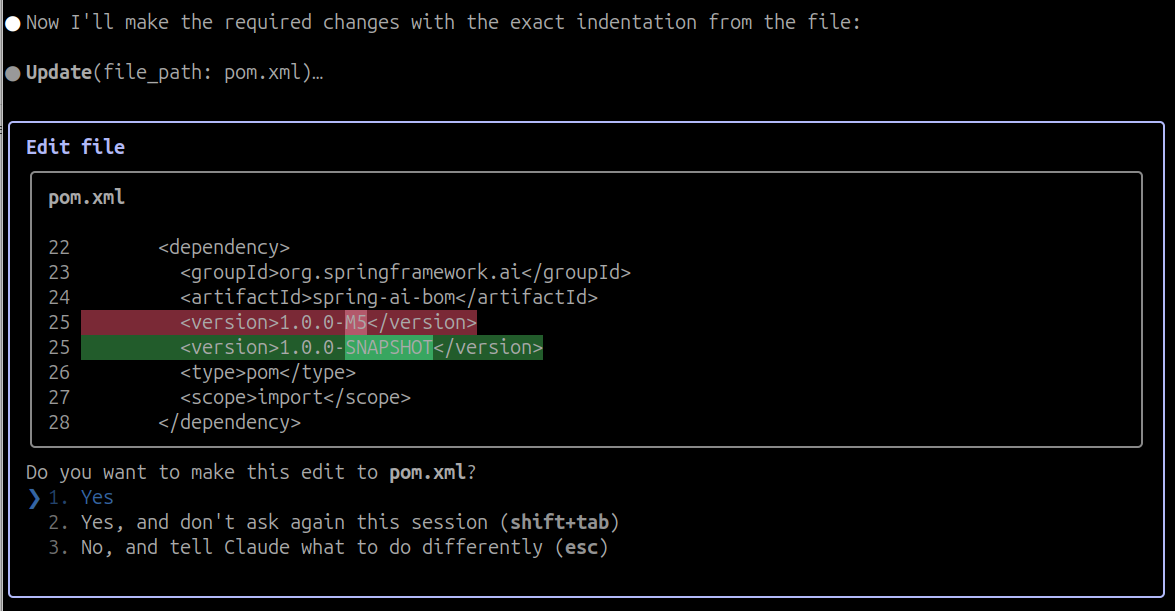
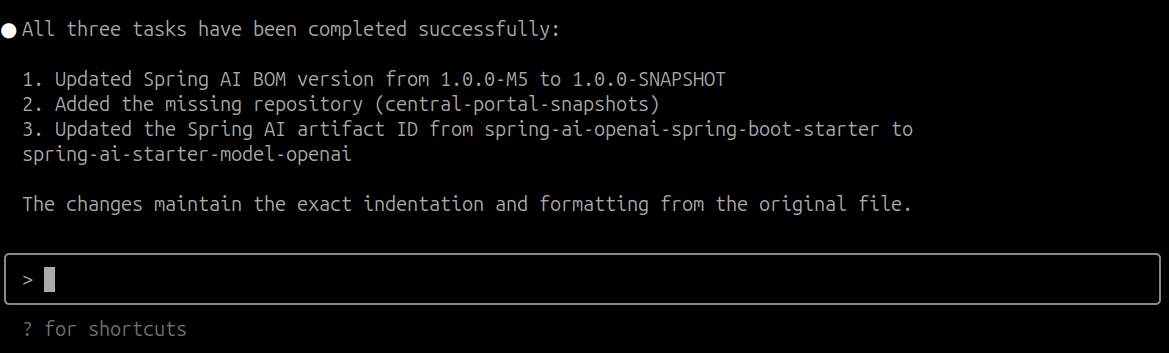
For those who prefer an automated approach, you can use the Claude Code CLI tool with a provided prompt to automatically upgrade your projects to 1.0.0-SNAPSHOT. This approach can save time and reduce errors when upgrading multiple projects or complex codebases. For more details, see the Automating upgrading using AI section in the Upgrade Notes. Here we will just show the steps that the Claude Code CLI tool will perform in the form of screen snapshots. Pasting in the prompt.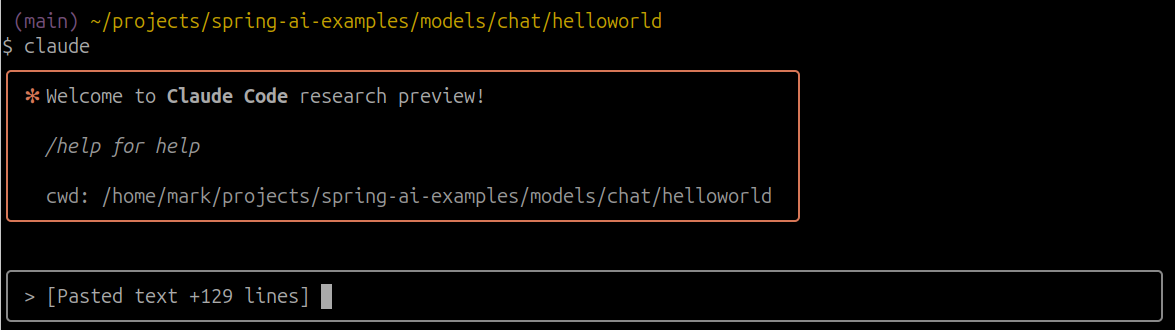 Updating BOM version.
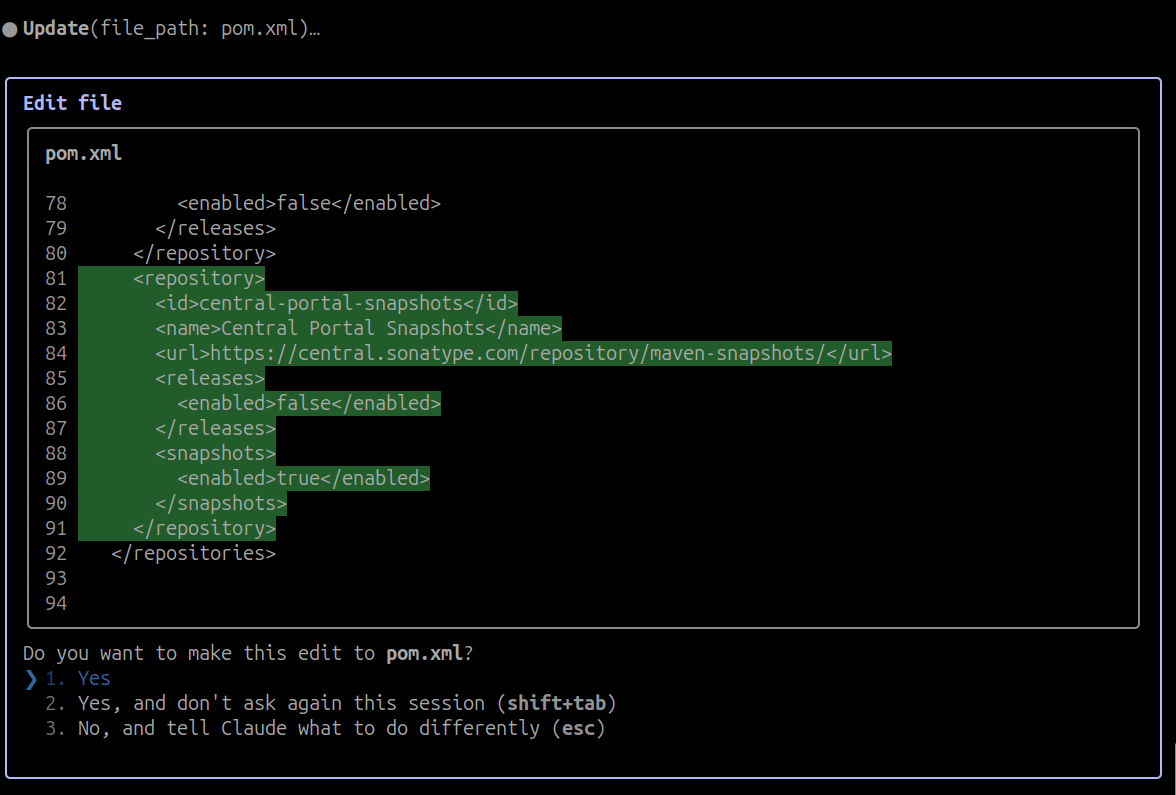
 Adding a repository.
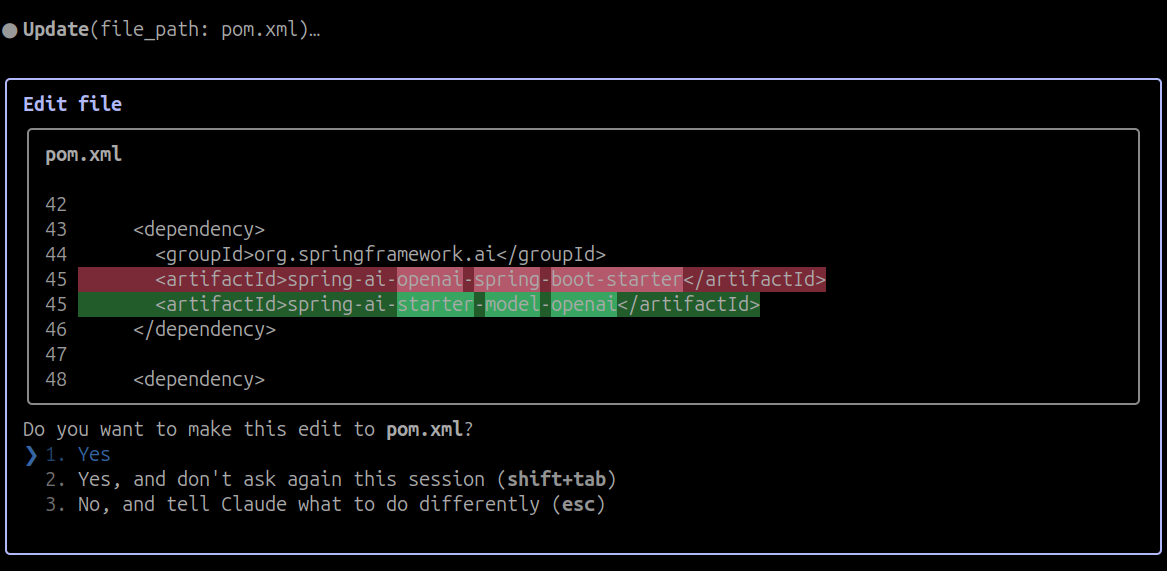
 Updating a starter.
 All done!
Manual Updates
Adding Snapshot Repositories
To use the 1.0.0-SNAPSHOT version, you need to add the snapshot repositories to your build file. The dependency on the Central Sonatype Snapshots repository (https://central.sonatype.com/repository/maven-snapshots/) is specifically needed to pick up snapshot dependencies of the MCP Java SDK.
Maven
Gradle
Updating Dependency Management
Update your Spring AI BOM version to1.0.0-SNAPSHOT in your build configuration:
Maven
Gradle
Changes to Spring AI Artifact IDs
The naming pattern for Spring AI starter artifacts has changed in 1.0.0-SNAPSHOT. You’ll need to update your dependencies according to the following patterns:- Model starters:
spring-ai-{model}-spring-boot-starter→spring-ai-starter-model-{model} - Vector Store starters:
spring-ai-{store}-store-spring-boot-starter→spring-ai-starter-vector-store-{store} - MCP starters:
spring-ai-mcp-{type}-spring-boot-starter→spring-ai-starter-mcp-{type}
Example
Before:Changes to Spring AI Autoconfiguration Artifacts
The Spring AI autoconfiguration has changed from a single monolithic artifact to individual autoconfiguration artifacts per model, vector store, and other components. This change was made to minimize the impact of different versions of dependent libraries conflicting, such as Google Protocol Buffers, Google RPC, and others. By separating autoconfiguration into component-specific artifacts, you can avoid pulling in unnecessary dependencies and reduce the risk of version conflicts in your application. The original monolithic artifact is no longer available:- Model autoconfiguration:
spring-ai-autoconfigure-model-{model} - Vector Store autoconfiguration:
spring-ai-autoconfigure-vector-store-{store} - MCP autoconfiguration:
spring-ai-autoconfigure-mcp-{type}