
This blog post is co-authored by our great contributor Thomas Vitale.Ollama now supports all GGUF models from Hugging Face, allowing access to over 45,000 community-created models through Spring AI’s Ollama integration, runnable locally.
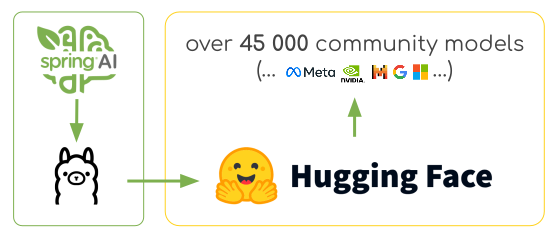 We’ll explore using this new feature with Spring AI. The Spring AI Ollama integration can automatically pull unavailable models for both chat completion and embedding models. This is useful when switching models or deploying to new environments.
Setting Up Spring AI with Ollama
Install Ollama on your system: https://ollama.com/download. Tip: Spring AI also supports running Ollama via Testcontainers or integrating with an external Ollama service via Kubernetes Service Bindings. Follow the dependency management guide to add the Spring AI BOM and the Spring AI Ollama boot starter to your project’s Mavenpom.xml file or Gradle build.gradle files.
Maven:
application.properties file:
- spring.ai.ollama.chat.options.model: Specifies the Hugging Face GGUF model to use using theformat:
hf.co/{username}/{repository} - spring.ai.ollama.init.pull-model-strategy=always: Enables automatic model pulling at startup time. For production, you should pre-download the models to avoid delays:
ollama pull hf.co/bartowski/gemma-2-2b-it-GGUF.
ollama pull hf.co/{username}/{repository}).
You can disable the embedding auto-configuration if not required: spring.ai.ollama.embedding.enabled=false.
Otherwise, Spring AI will pull the mxbai-embed-large embedding model if not available locally.